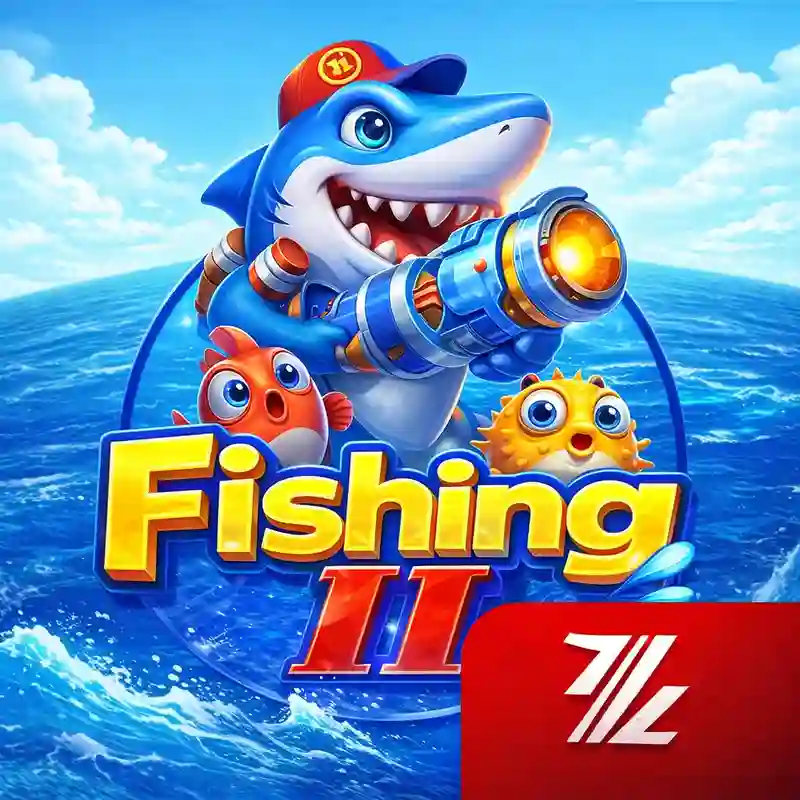
How do I start playing Fish Hunter 2 at cmdbet?
To begin playing Fish Hunter 2, simply visit the cmdbet official login page, access your account, and locate the game in the arcade or fishing category. Ensure your balance is funded via GCash or other supported methods. Once the game loads, select your bet value and start firing your cannon at the sea creatures to accumulate wins.
What are the payout mechanics in Fish Hunter 2?
In Fish Hunter 2, every shot fired represents a wager. When a fish is successfully caught, you receive a payout based on that specific fish's value multiplied by your current bet level. Because payouts vary by target, we recommend checking the in-game paytable for a complete list of fish values and multipliers.
Can I play Fish Hunter 2 on my mobile phone?
Yes, Fish Hunter 2 is fully optimized for mobile devices. You can play directly through your mobile browser or use the cmdbet app download for a more stable experience. The interface adapts to both Android and iOS screens, allowing for precise targeting and smooth animations while you are on the move.
Where can I find the RTP and volatility for Fish Hunter 2?
Official RTP and volatility figures are set by the game studio and can vary between software versions. In the fishing arcade category, these numbers typically fluctuate based on the target size and difficulty. To find the exact, verifiable specifications for your session, please open the information (i) icon or paytable within the Fish Hunter 2 game interface.
How can I manage my budget while playing Fish Hunter 2?
Effective budget management in Fish Hunter 2 involves setting a strict session limit before you start. For example, if your budget is ₱500, avoid increasing your bet size impulsively when chasing large boss fish. We suggest using the bet adjustment tool to maintain a consistent wagering pace. For more tools, visit the cmdbet responsible gaming page.
 cmdbet